

Buying guide
How to choose a flash drive: plug, capacity and speed
Which plug your laptop or phone needs, how many gigabytes your files take, which speed figure to compare and which body survives a pocket, with drives from our shelves as examples.
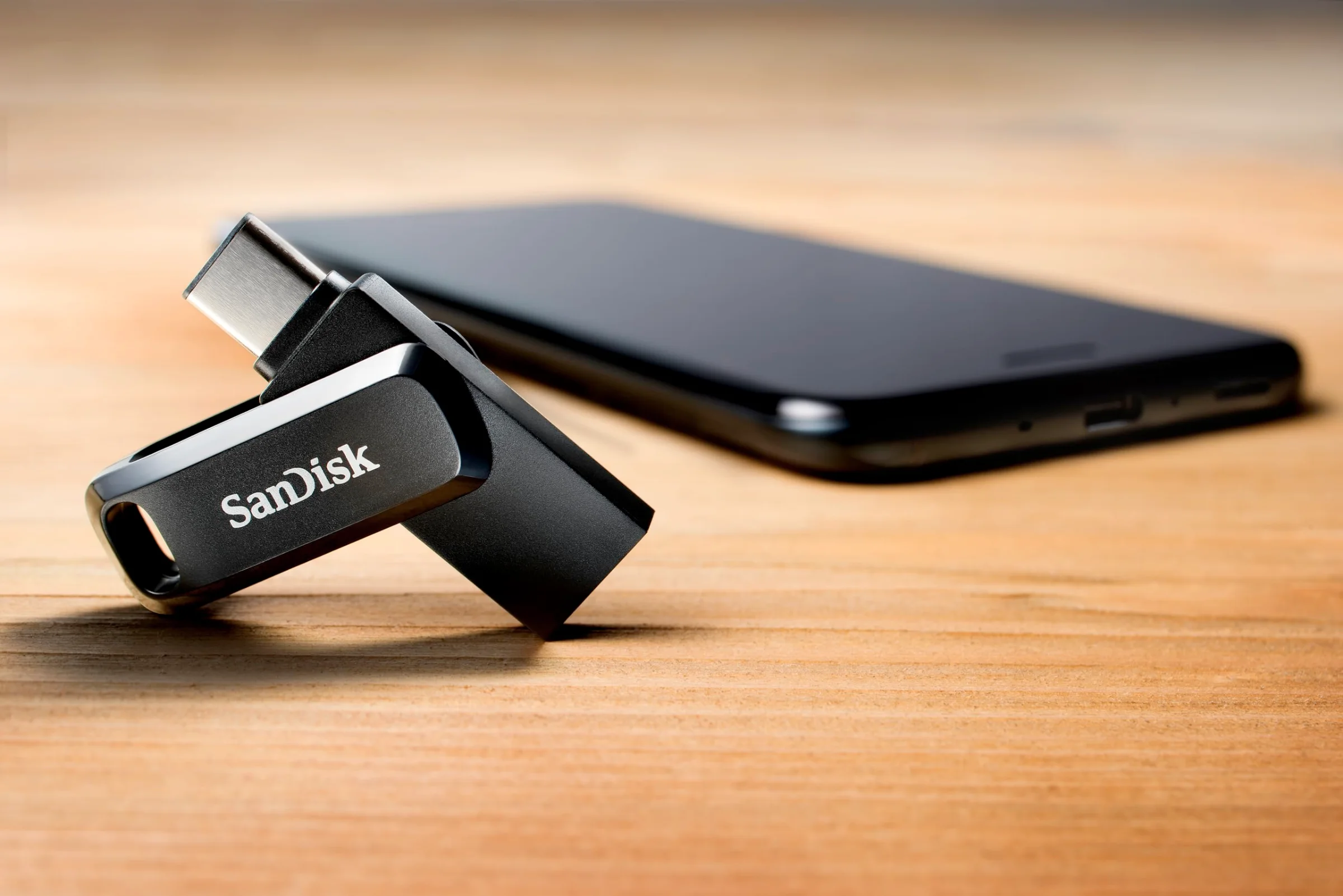
Which plug does your device take?
The plug decides whether a drive works with your device at all, so start at the port and leave the price for later. USB-A is the wide, flat rectangle on desktops, most laptops sold before about 2020, televisions, game consoles and car stereos. Newer laptops, iPads, Android phones and the iPhone 15 and later share USB-C, a small oval with rounded ends. A USB-C plug goes in either way up, while USB-A has a right side and a wrong one.
- USB-A only: the plain stick for desktops, older laptops, TVs, printers and car stereos, and most of the drives in the shop.
- USB-C only: a shorter drive for a household where every laptop and phone already has USB-C.
- Dual USB-A and USB-C: one plug at each end or on a swivel, so the same drive moves from a new phone to an old office computer.
- Lightning plus a computer plug: for an iPhone 14 or older, which has Lightning instead of USB-C.
- Micro-USB plus USB-A: for older Android phones and tablets with the small trapezoid port, such as the SanDisk Ultra Dual Drive m3.0.
On an iPhone or iPad with USB-C, the Files app shows a connected drive under Browse by its own name, next to On My iPhone and iCloud Drive. Lightning drives move photos through the Files app or the maker's own app, depending on the model. If one home holds an iPhone 14 and a USB-C laptop, a drive with three plugs saves an adapter.
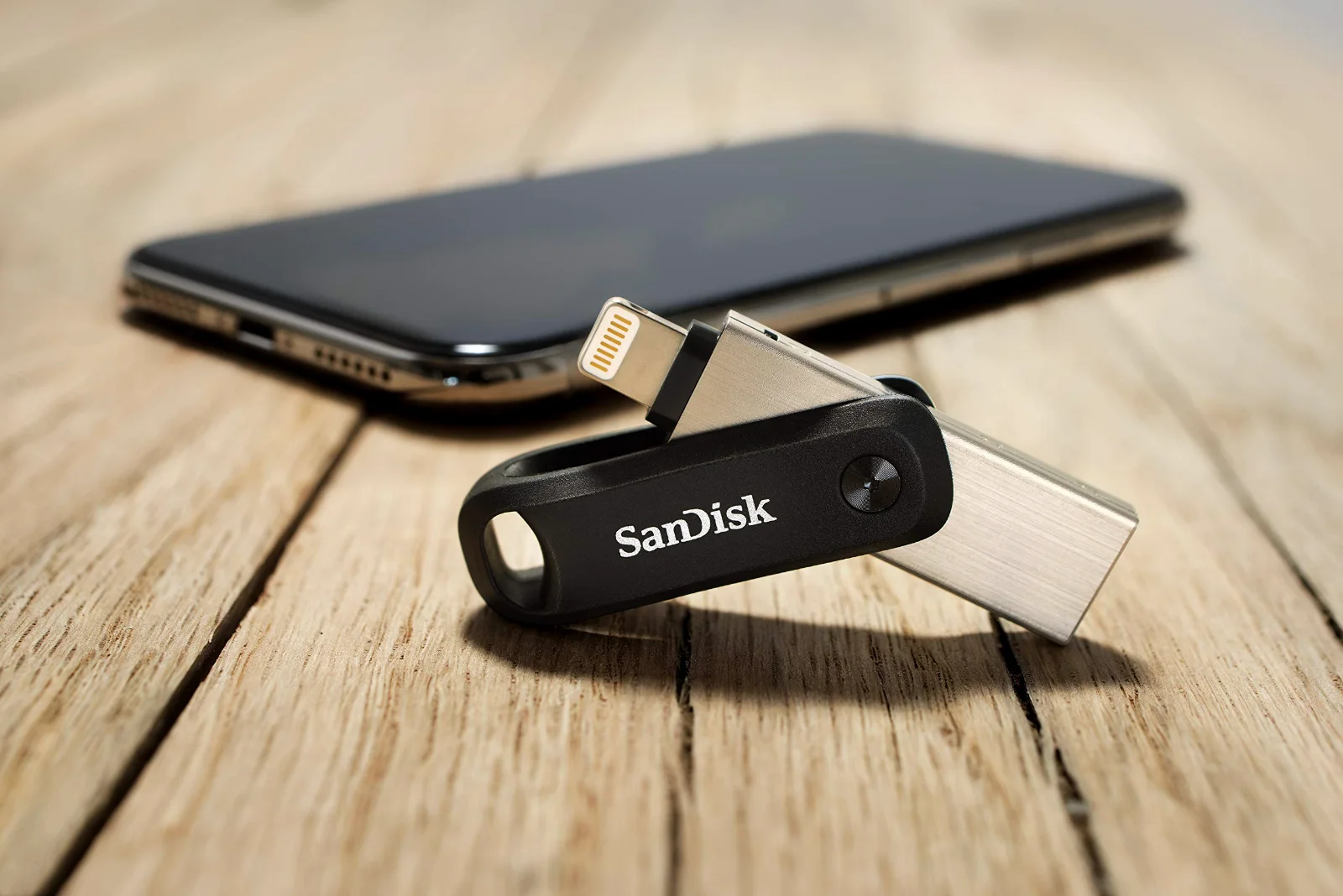
Unsure which ports the next computer will have? A dual drive covers both kinds. USB-C flash drives and phone flash drives each have a shelf of their own, sorted by capacity and read speed.
How much room do your files need?
Gigabytes are hard to picture, so count your files instead. A phone photo takes about 4 MB, a song about 8 MB and a minute of 4K video from a phone about 350 MB. Your phone's storage settings show how much space photos and videos use today, and the drive should hold that figure with room left over.
The box and the screen will also disagree. Makers count 1 GB as 1,000 MB, while Windows uses a larger unit and still calls it GB, so about 93% of the printed capacity shows up once the drive is formatted. A 128GB drive appears as roughly 119GB, and the counts below already work from that usable share.
| Capacity | Shows as | Phone photos (4 MB) | 4K video (350 MB a minute) | Songs (8 MB) |
|---|---|---|---|---|
| 32GB | about 29.8GB | about 7,400 | about 85 minutes | about 3,700 |
| 64GB | about 59.5GB | about 14,900 | about 2 hours 50 minutes | about 7,400 |
| 128GB | about 119GB | about 29,800 | about 5 hours 40 minutes | about 14,900 |
| 256GB | about 238GB | about 59,500 | about 11 hours 20 minutes | about 29,800 |
| 512GB | about 476GB | about 119,000 | about 22 hours 40 minutes | about 59,500 |
| 1TB | about 930GB | about 232,500 | about 44 hours | about 116,250 |
Counts are rounded. RAW photos, burst shots and high frame rate video take more room per file.
Word files and spreadsheets are often under 1 MB each, so even a 32GB drive holds tens of thousands of them. A phone backup starts making sense at 128GB. Anyone filming in 4K should look at 512GB or more, since one hour of footage fills about 21GB. The full breakdown, from 16GB to 2TB, sits on the page about how much fits on a flash drive.
One more limit lives in the format rather than the capacity. A drive formatted FAT32 refuses any single file over 4 GB, which stops a long video or a disc image even on an empty 256GB stick. exFAT has no such cap, and FAT32 vs exFAT explains when to switch and why reformatting means copying everything off first.
Which speed figure should you compare?
Most drive boxes print one number: the read speed in megabytes per second, MB/s. That is how fast files come off the drive, measured by the maker with large files in a fast port. Writing, the speed of copying onto the drive, is lower on every flash drive and is often printed in smaller type or left out.
That gap can be wide. The Kingston DataTraveler 100 G3 reads at up to 100 MB/s but writes at up to 10 MB/s. A 10 GB folder comes back off it in under two minutes and takes close to 17 minutes to put on. At the 400 MB/s write speed of the Transcend JetFlash 920, the same job drops to about 25 seconds.
Your port sets a ceiling as well. A USB 3.x drive works in a USB 2.0 port, but only at about 30 to 40 MB/s, the speed of the old port rather than the drive. Fast sticks at 400 MB/s earn their price in a USB 3.x port, and the 1,000 MB/s drives want USB 3.2 Gen 2. Every card at EasyFlash prints the read speed whenever the maker publishes one, so drives of the same size line up side by side. Our speed guide untangles the USB version names, and the high-speed shelf starts at 300 MB/s.
Cap, slider, swivel or low-profile?
The body decides how well the plug survives a pocket. A cap covers the contacts completely and is the first part to go missing. Sliders, such as the Gigastone Z60 Slider, pull the plug back inside the shell with a thumb, so there is nothing loose to lose. A swivel turns a cover around the plug, which keeps the drive in one piece but leaves the contacts half open to lint and crumbs.
Low-profile drives stick out of the port by only a few millimeters. They can live in a laptop, a car stereo or a TV for months without catching on anything. Once unplugged, though, a body that small drops out of sight in a bag or a parking lot. A key ring or a lanyard loop fixes that.
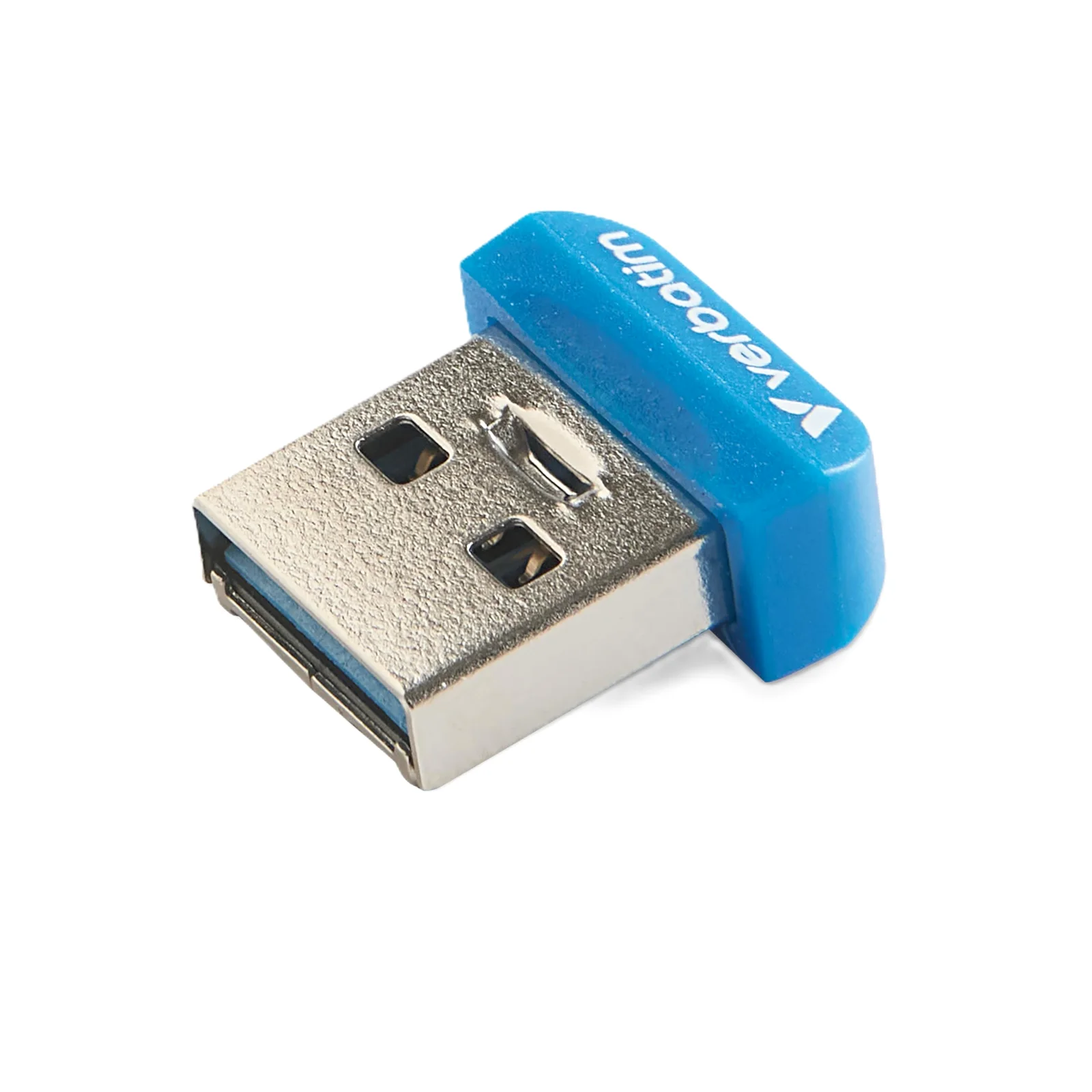
Metal shells, like the MOSDART Metal Keychain drive, are built to hang from keys, and the plug inside is the same USB-A as on any plastic stick. For a car, a low-profile drive is the usual pick, and the page on a flash drive for your car lists the formats and sizes stereos tend to read.
When does a pack make sense?
A pack pays off when every person or project gets a drive of its own. Think of a teacher loading the same lesson onto thirty sticks, a club handing out event photos or a family giving each relative a copy of the archive. Many pack drives are USB 2.0 sticks that read at about 30 MB/s, which is plenty for documents and slides. Several packs also come in 128MB, 512MB or 1GB sizes, enough for a single presentation or a firmware file.
For video or large photo sets, look for a pack of USB 3.x drives such as the PNY Turbo Attaché 3, which reads at up to 100 MB/s. The multi-pack shelf shows each pack size on its own card, so the price per drive is a simple division.
Where does the second copy go?
A flash drive is easy to lose, and CISA names loss and theft as the biggest risk these drives carry. Its advice covers the rest: keep a backup of what is on the drive, protect sensitive files with a password and encryption, and keep work and personal drives apart. A drive found in a parking lot goes to your IT or security desk, never into your laptop.
In practice the second copy can sit on your computer, in cloud storage or on another drive kept in a different room. For client records or tax files, an encrypted flash drive turns a lost stick into noise for whoever finds it. The habits that keep a drive's files alive for years are collected in keeping files safe on a flash drive.