
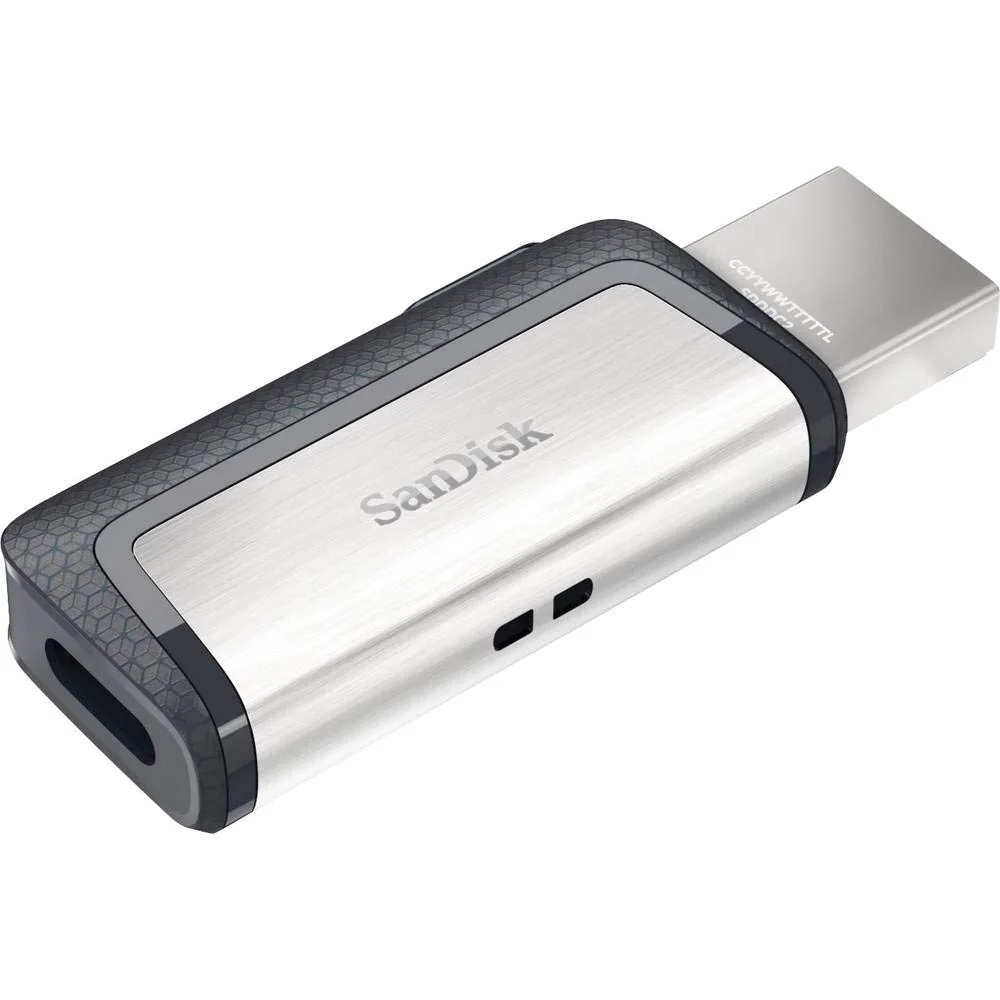
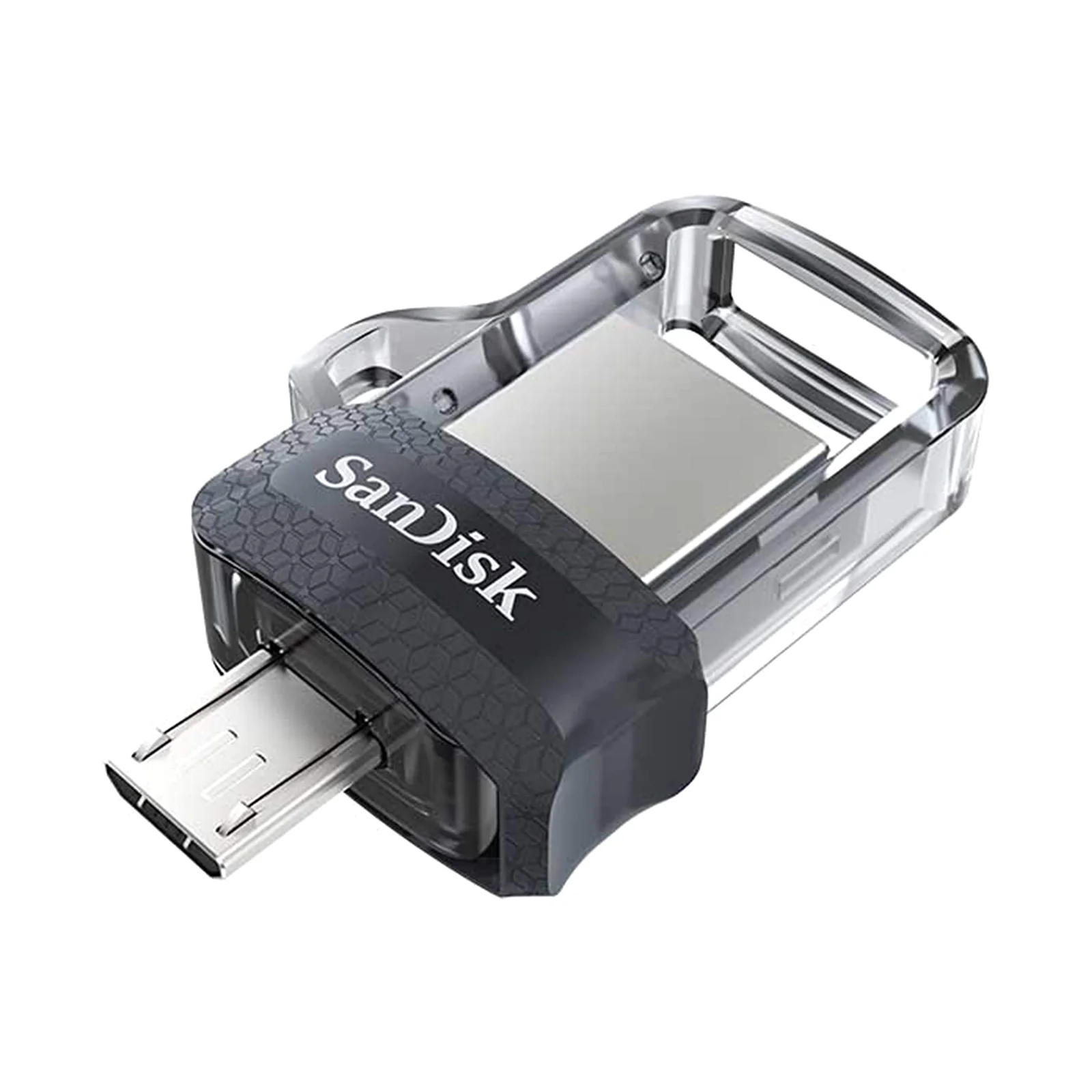
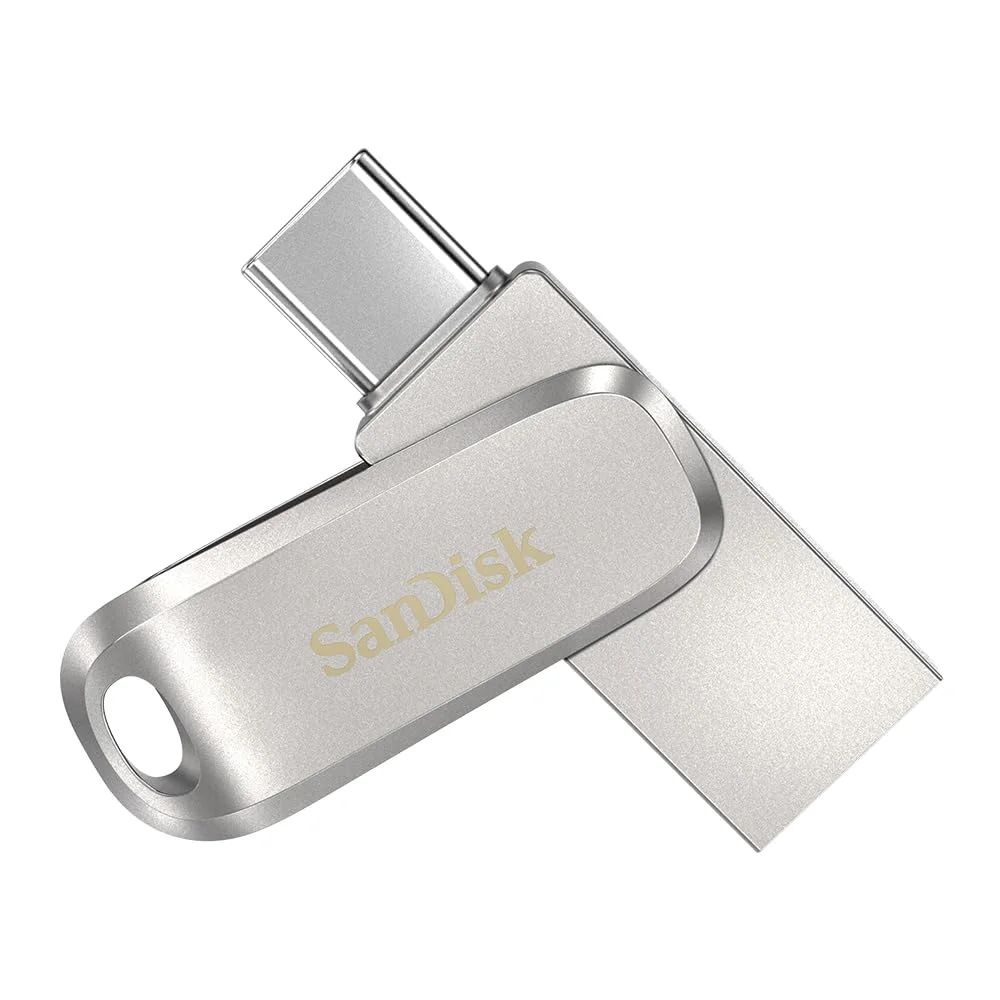
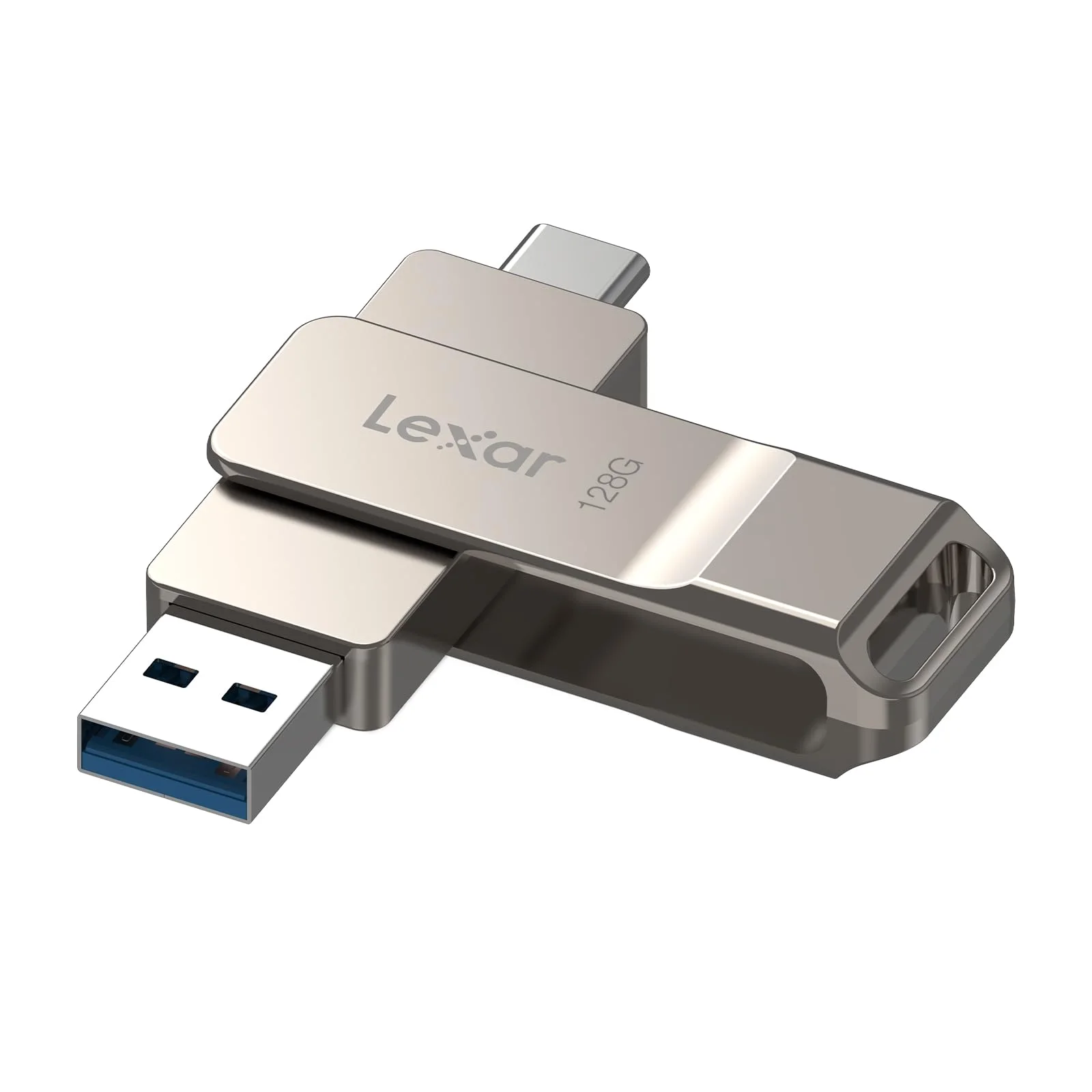
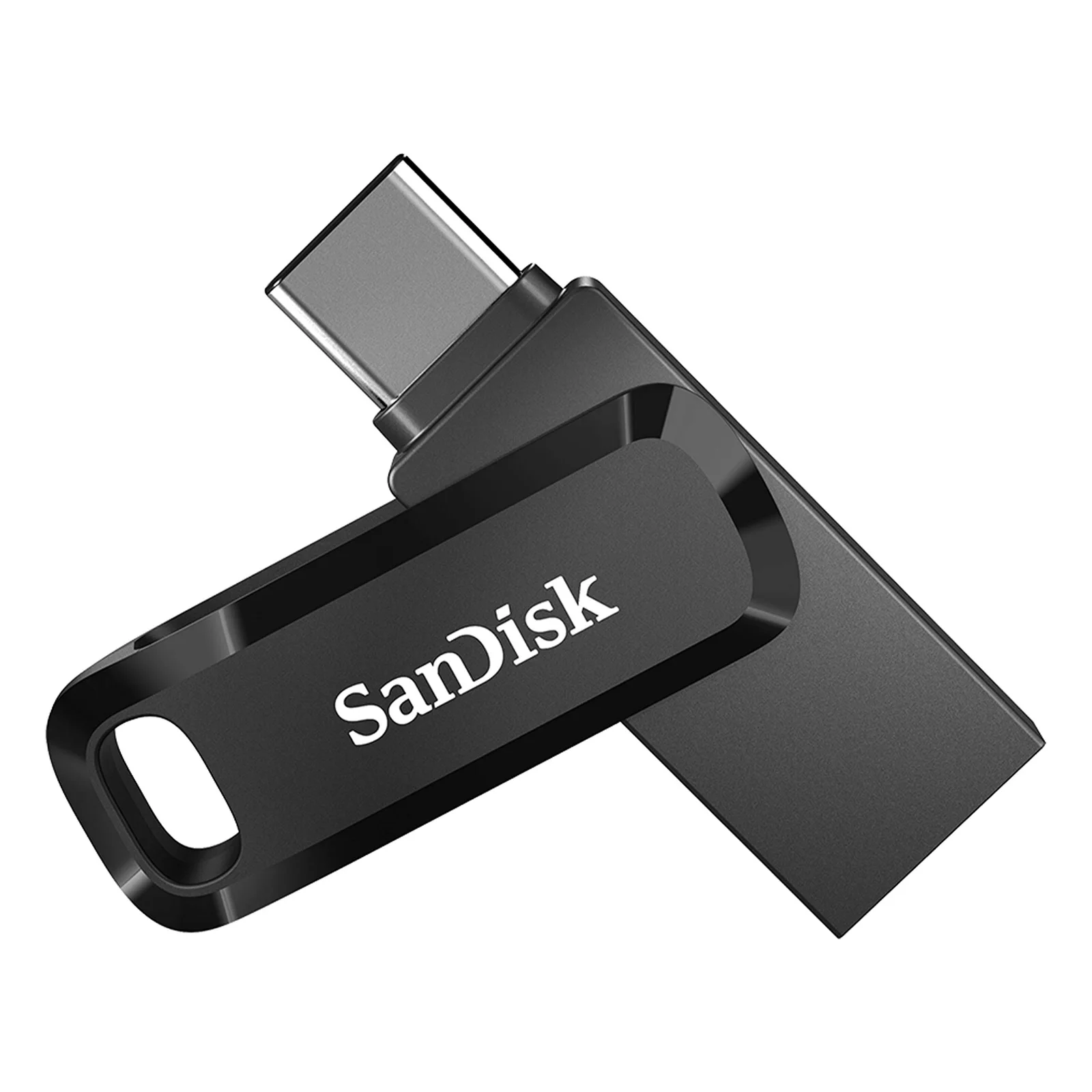
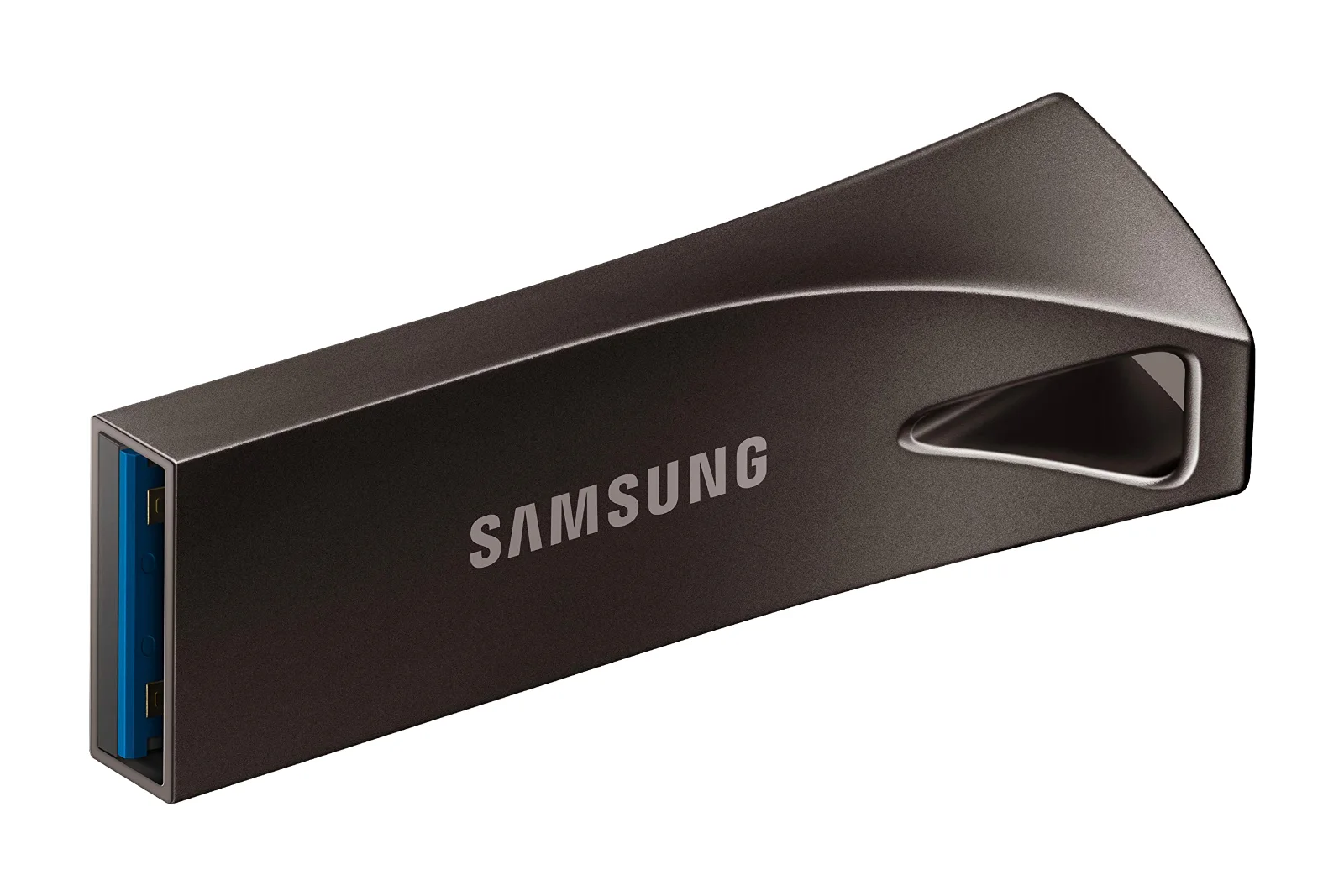
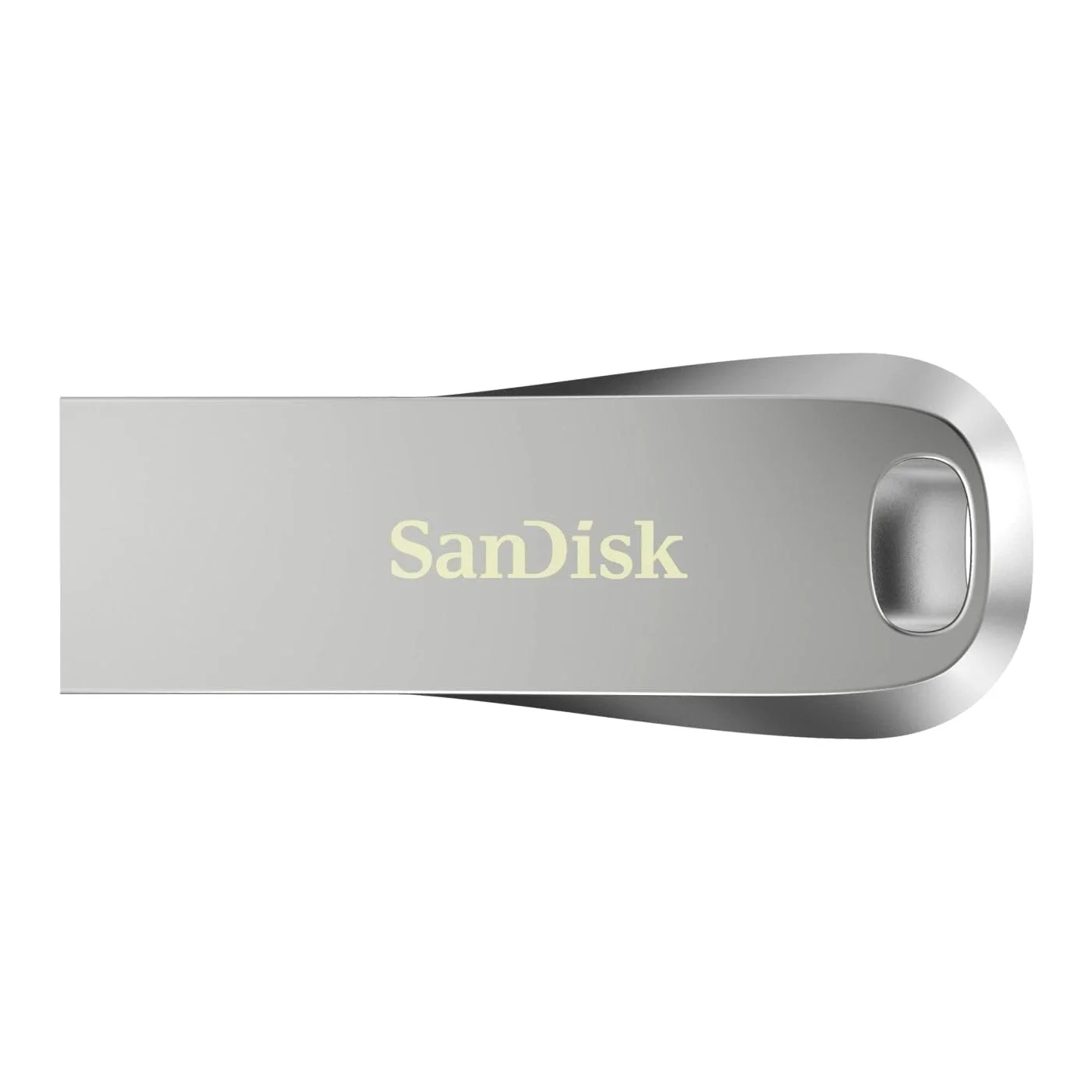
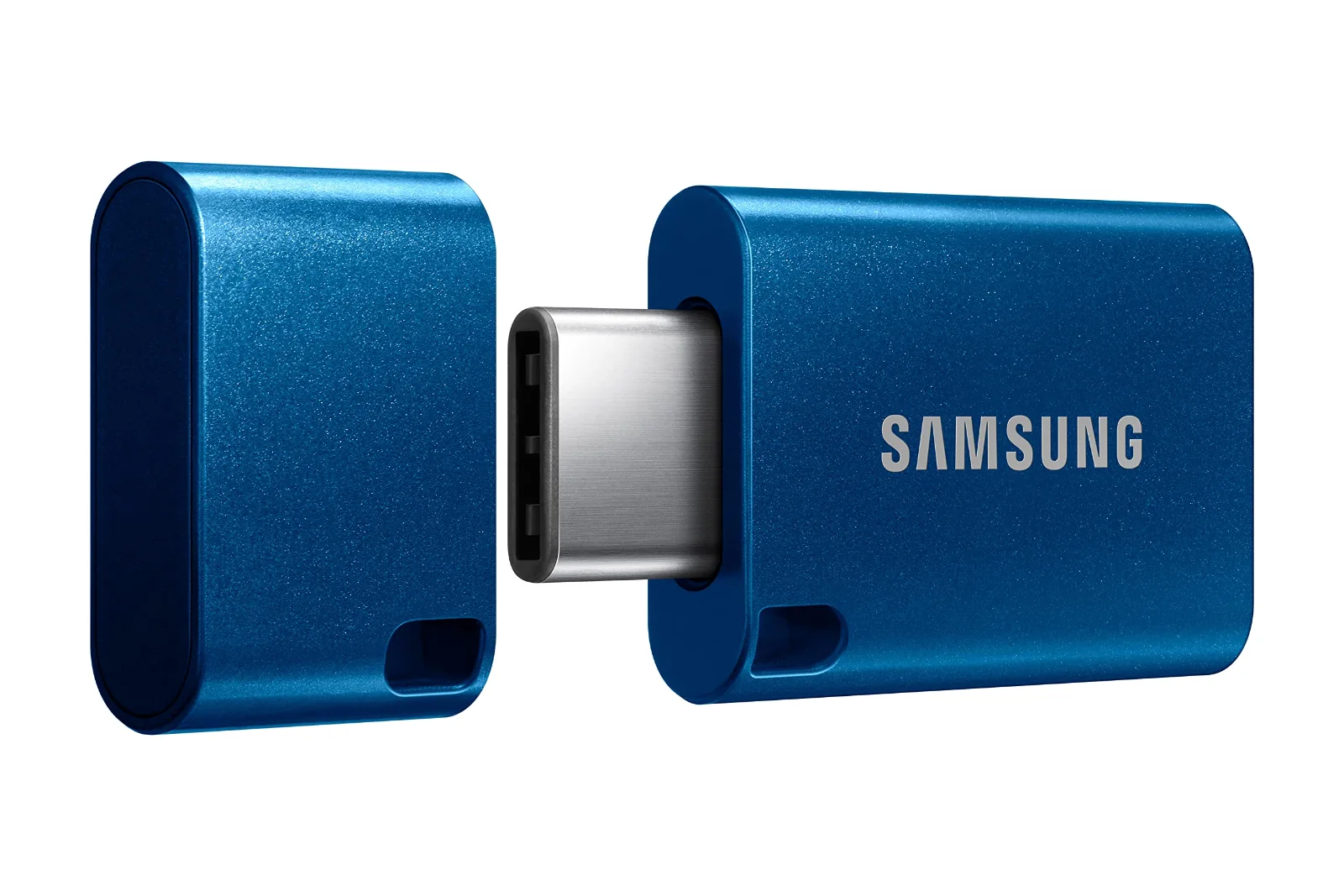
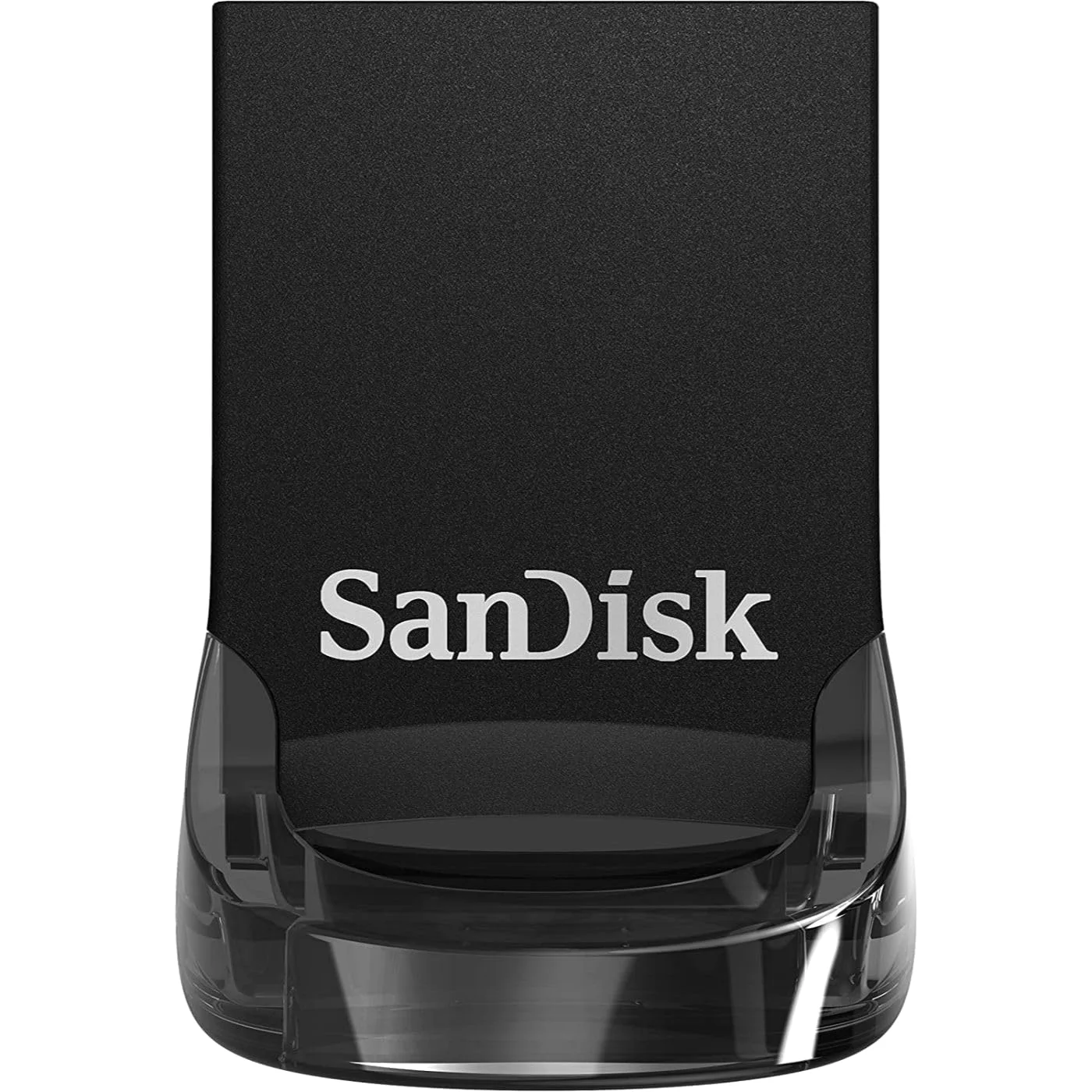
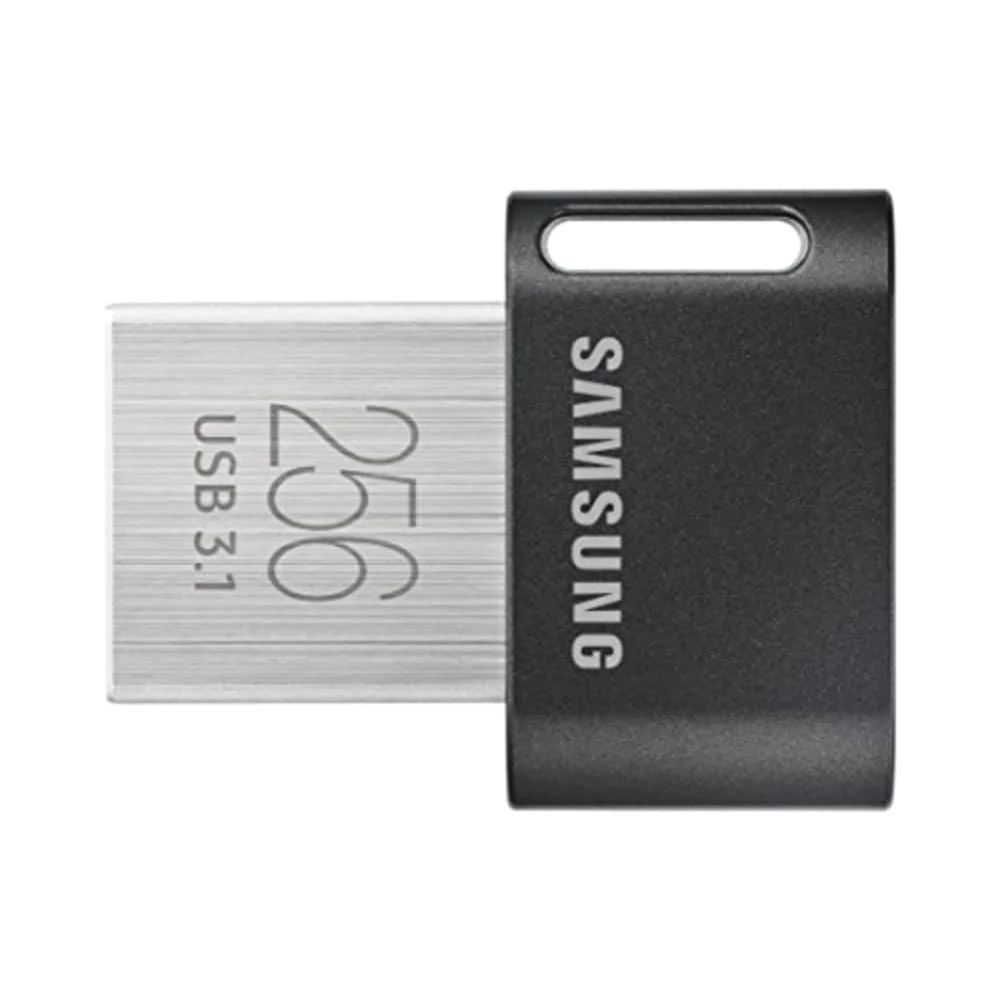
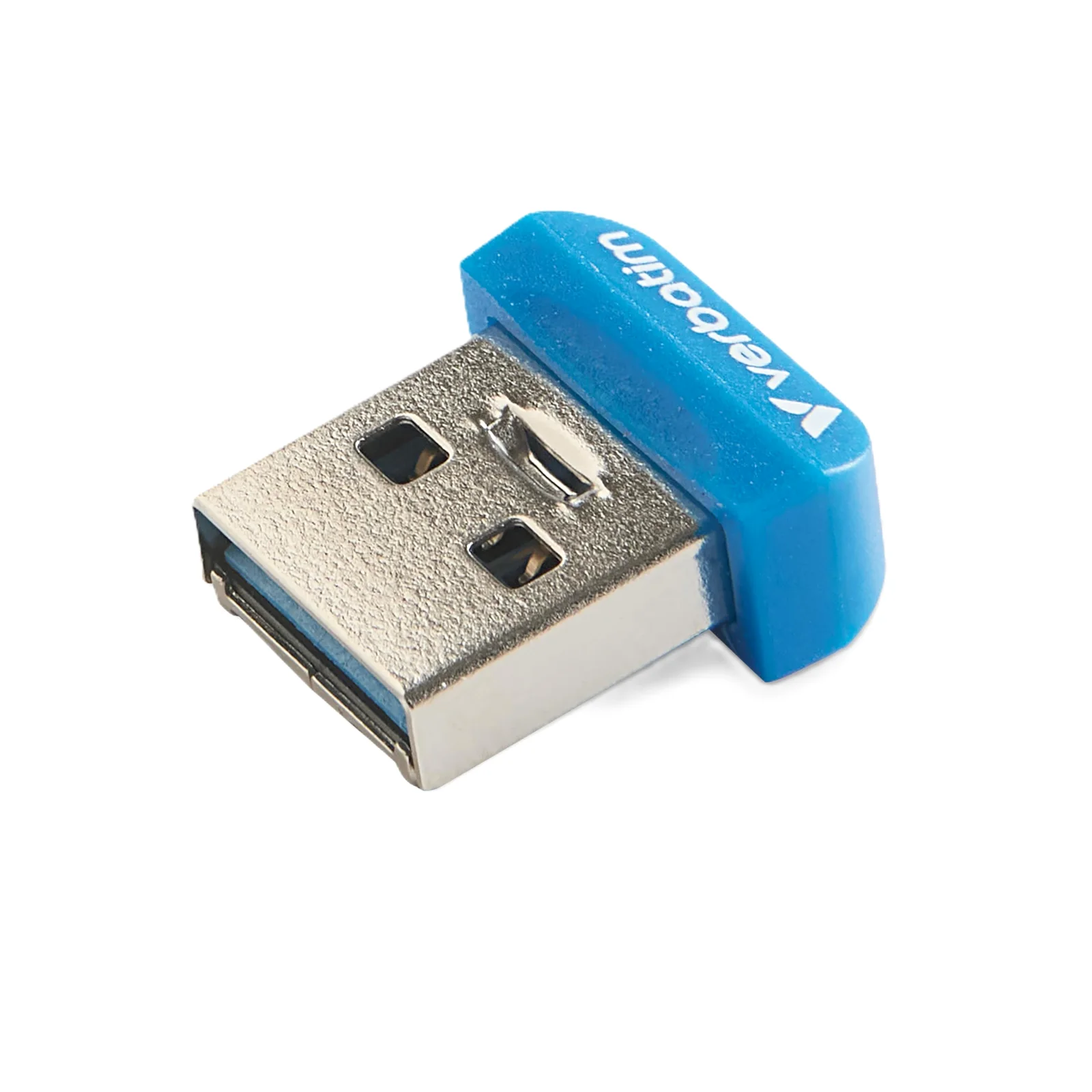
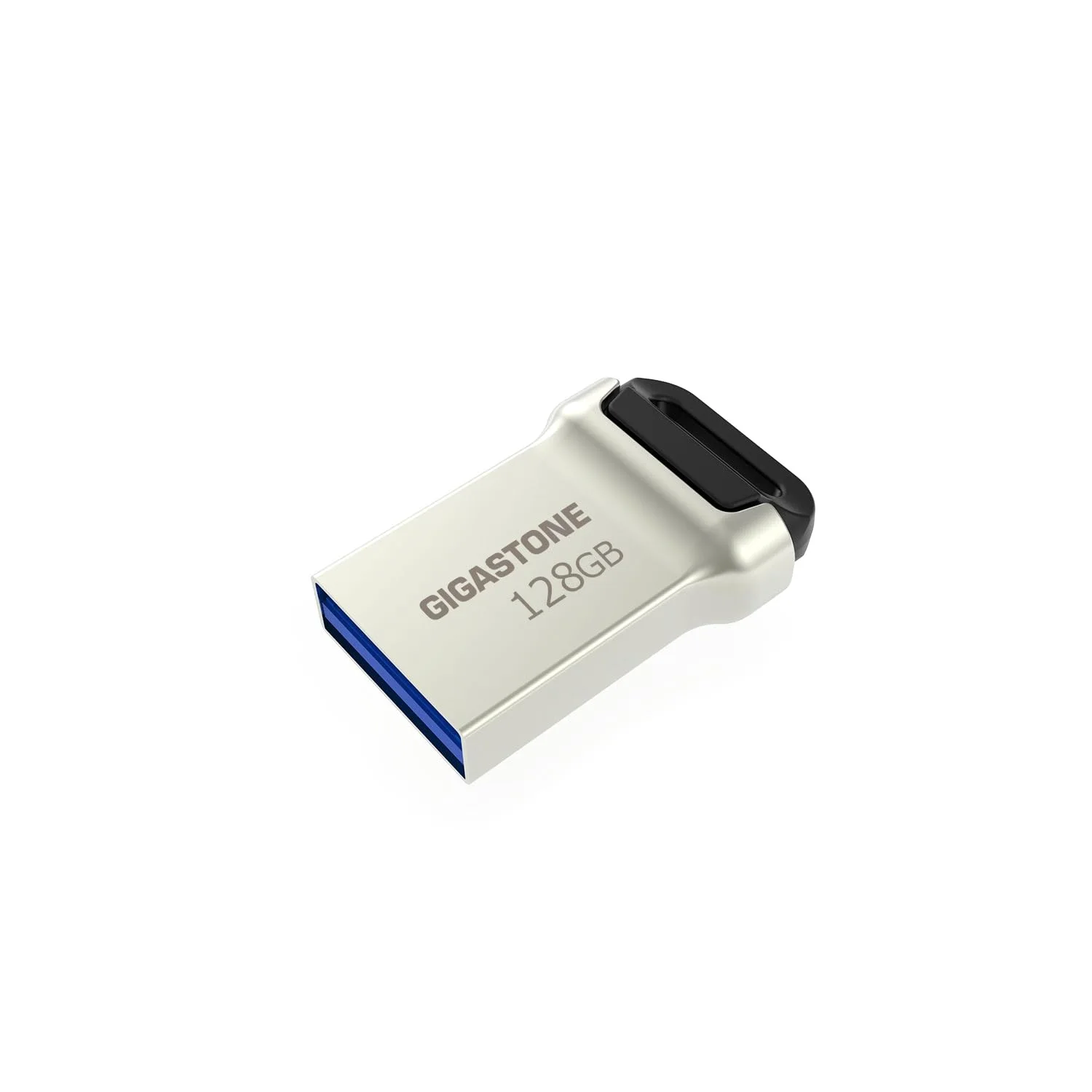
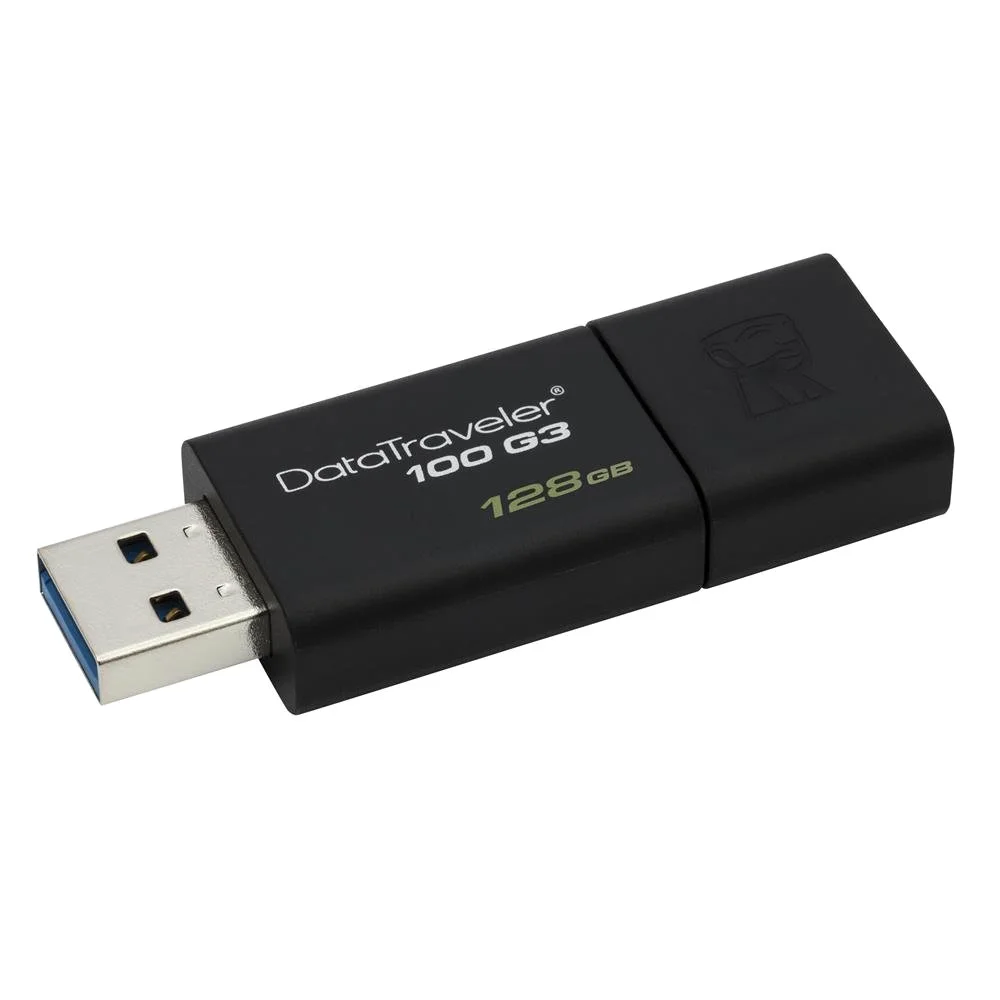
128GB flash drives
128GB is where most people land: about 30,000 phone photos or five and a half hours of 4K phone video after formatting. You can narrow the 128GB drives by plug and read speed.

EasyFlash · flash drives from every major maker
Pick your plug, then the capacity and the speed: EasyFlash has 96 drives from 42 makers.
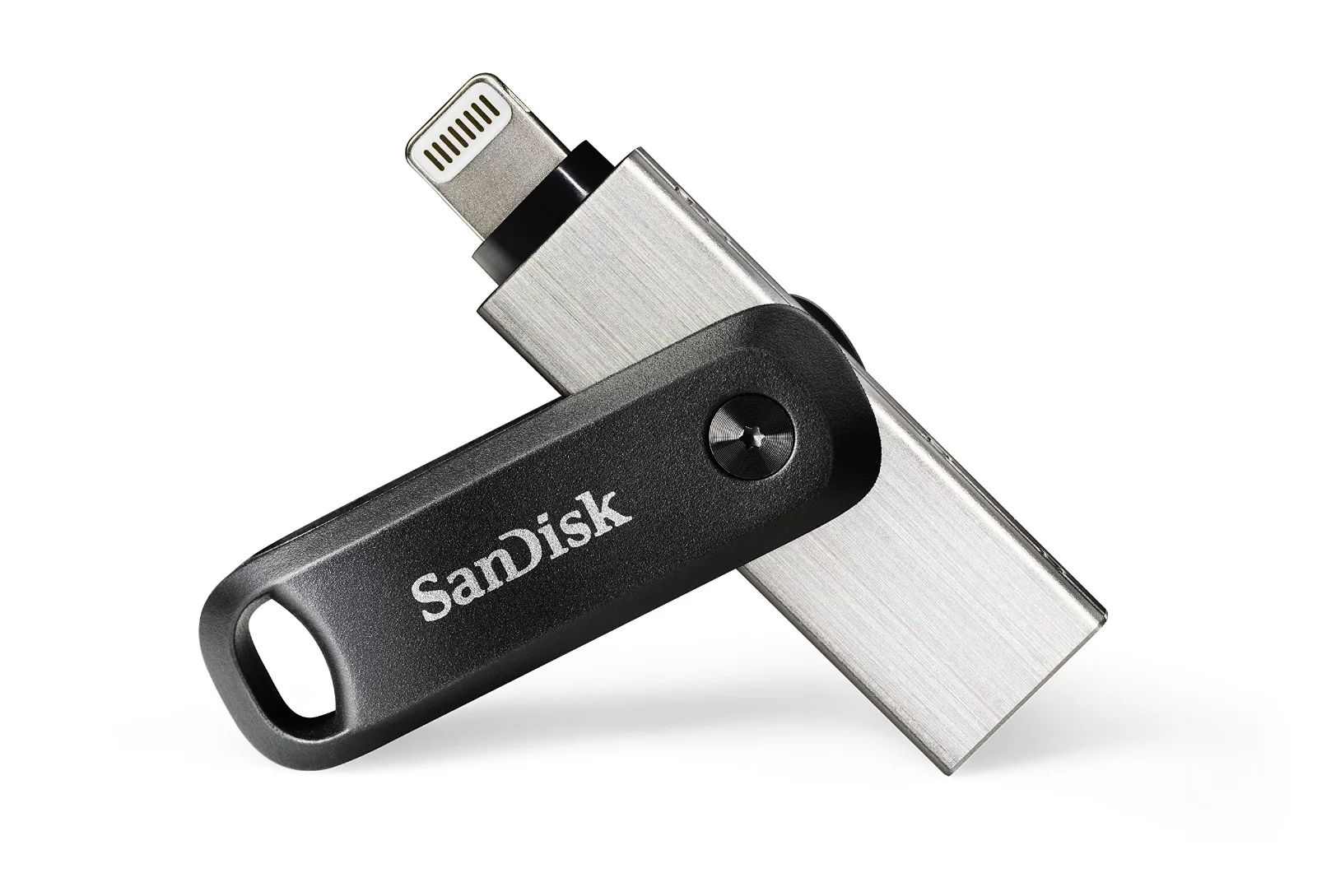
SanDisk
USB-A + Lightning · USB 3.0 · swivel cover
Speed not printed
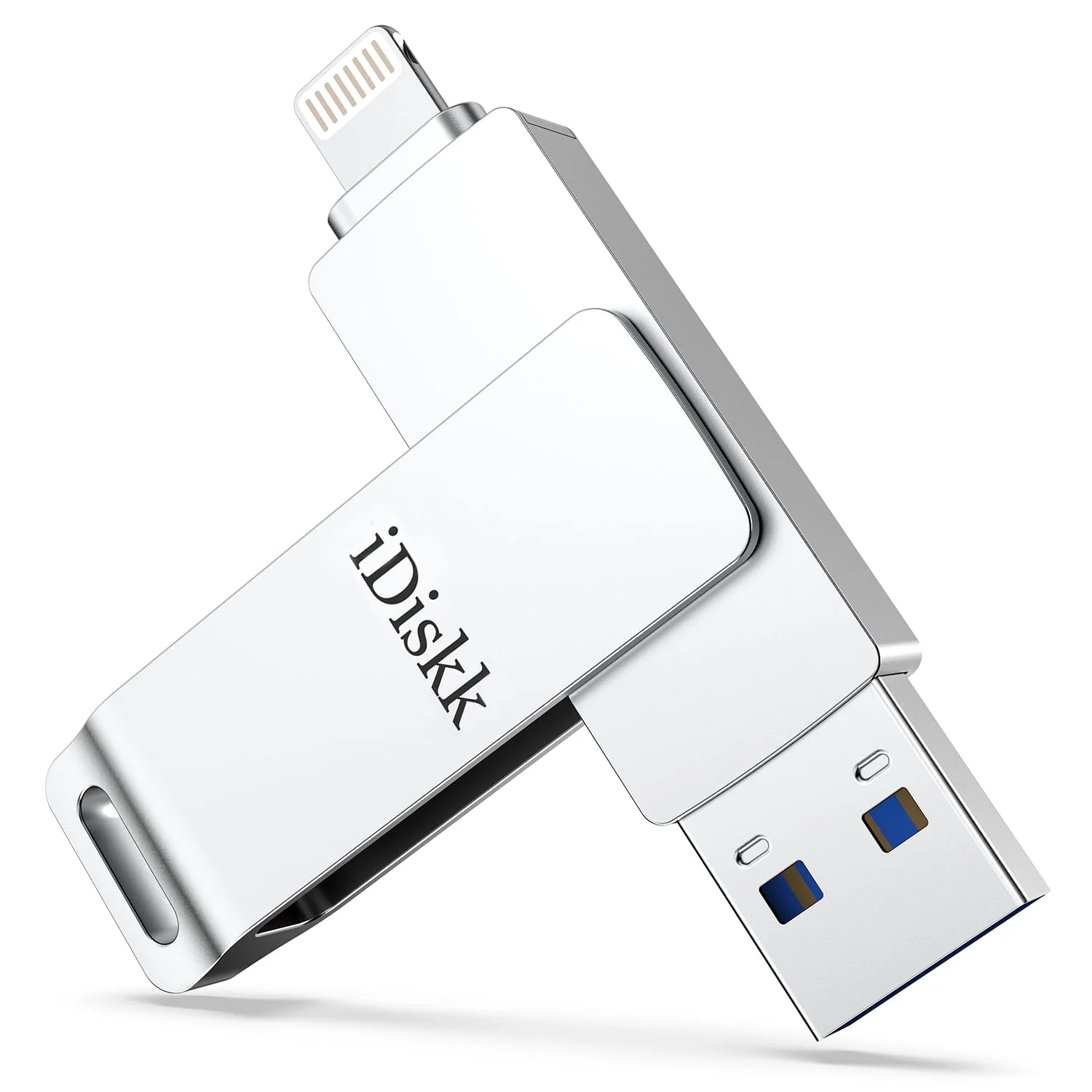
iDiskk
USB-A + Lightning · USB 3.0 · MFi certified
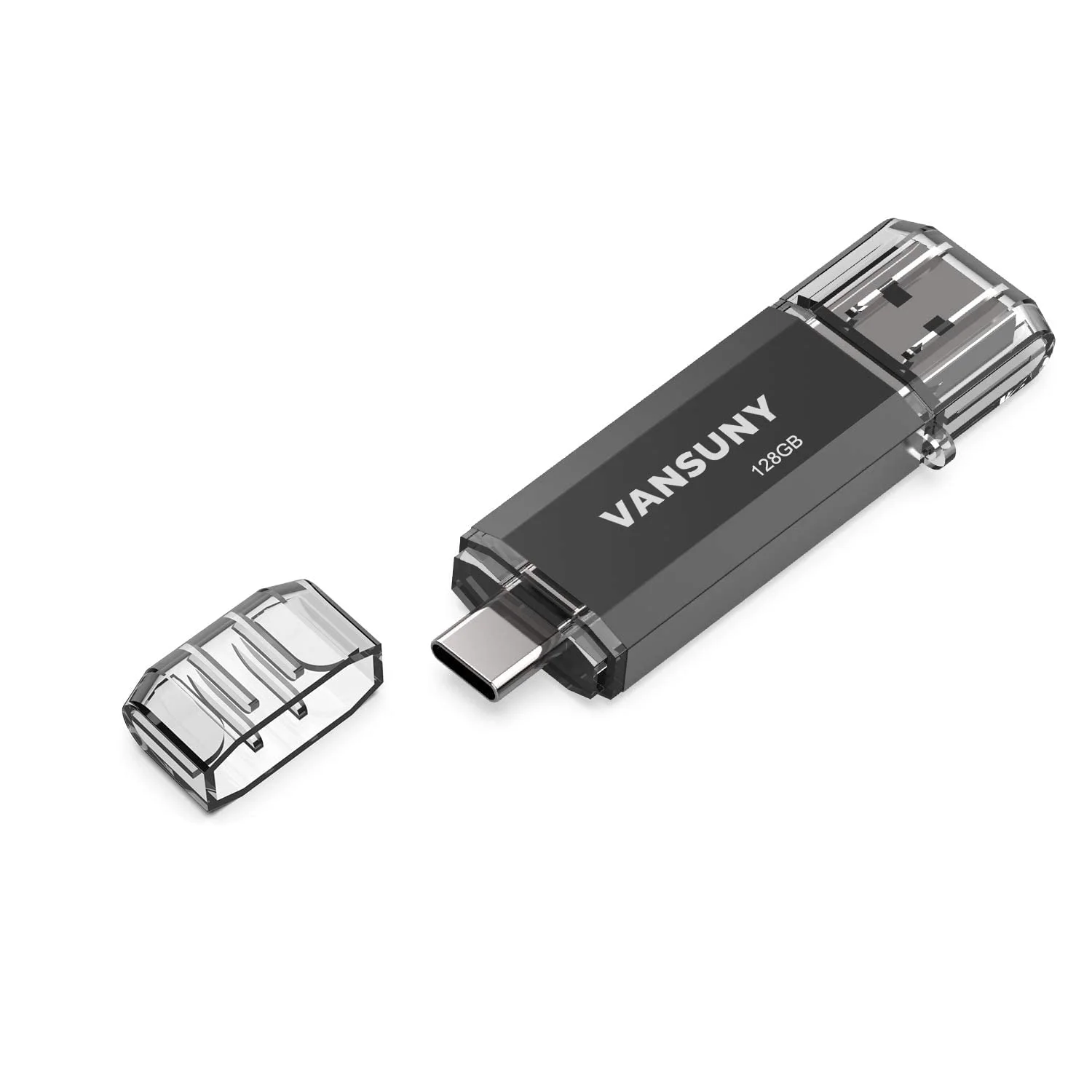
Speed not printedVansuny
USB-A + USB-C · USB 3.0 · key loop · also in packs
Lightning or USB-C on one end, a computer plug on the other.All 10 phone drives
SanDisk
USB-A + USB-C · USB 3.2 Gen 1 · slide-out plug · also in packs
SanDisk
USB-A + micro-USB · USB 3.0 · slide-out plug
SanDisk
USB-A + USB-C · USB 3.2 Gen 1 · metal body
Lexar
USB-A + USB-C · USB 3.2 Gen 1 · swivel cover · also in packs
USB-C and USB-A on one drive, so it moves from phone to old laptop.All 7 USB-C drives
SanDisk
USB-A + USB-C · USB 3.2 Gen 1
SanDisk
USB-A · USB 3.2 Gen 1 · slide-out plug
Read speeds of 300 MB/s and up, for video and big folders.All 11 fast drives
SanDisk
USB-A · USB 2.0 · also in packs
Speed not printedSanDisk
USB-A · USB 3.0 · slide-out plug · also in packs
Speed not printedThe plain stick: USB-A, a cap or a slider, a key loop.All 23 thumb drives
SanDisk
USB-A · USB 3.2 Gen 1 · also in packs
Verbatim
USB-A · USB 3.2 Gen 1
Speed not printedGigastone
USB-A + USB-C · USB 3.2 Gen 1 · metal body · also in packs
Barely longer than the port, made to stay plugged in.All 5 mini drives
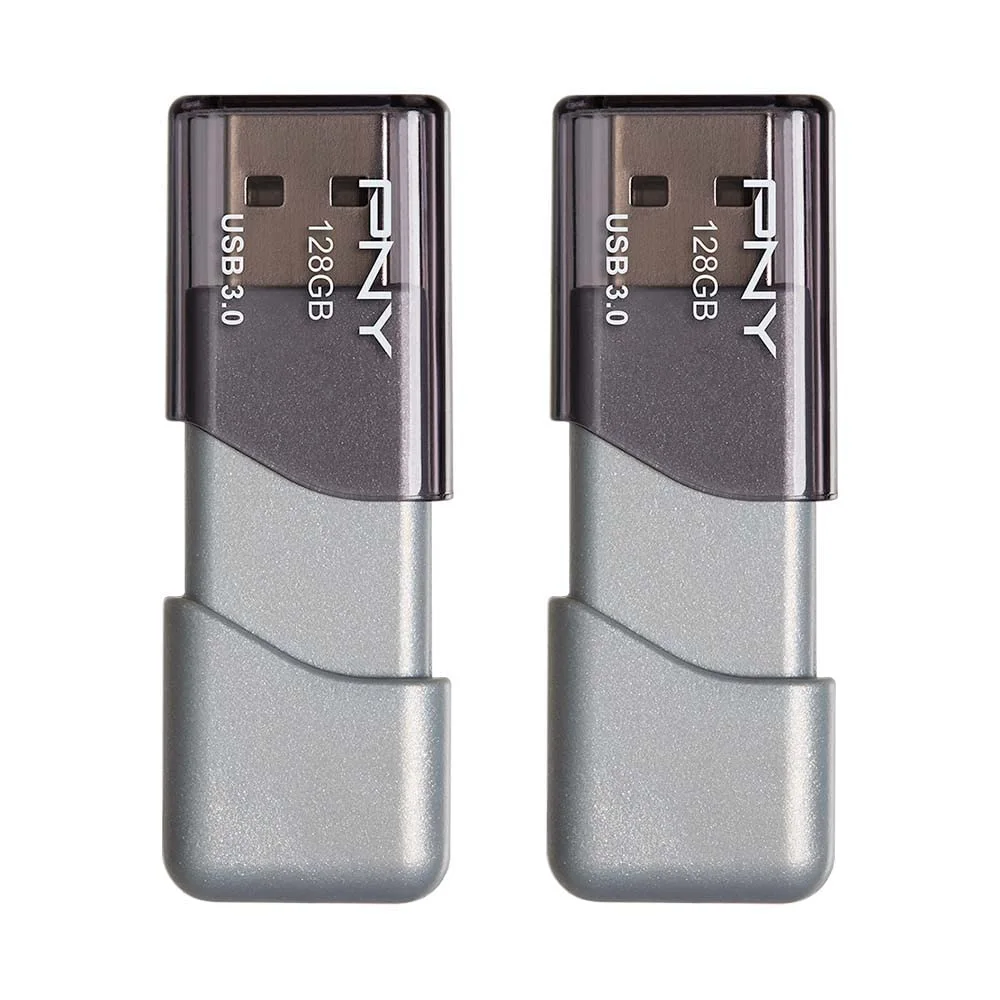
PNY
USB-A · USB 3.0 · slide-out plug · also in packs
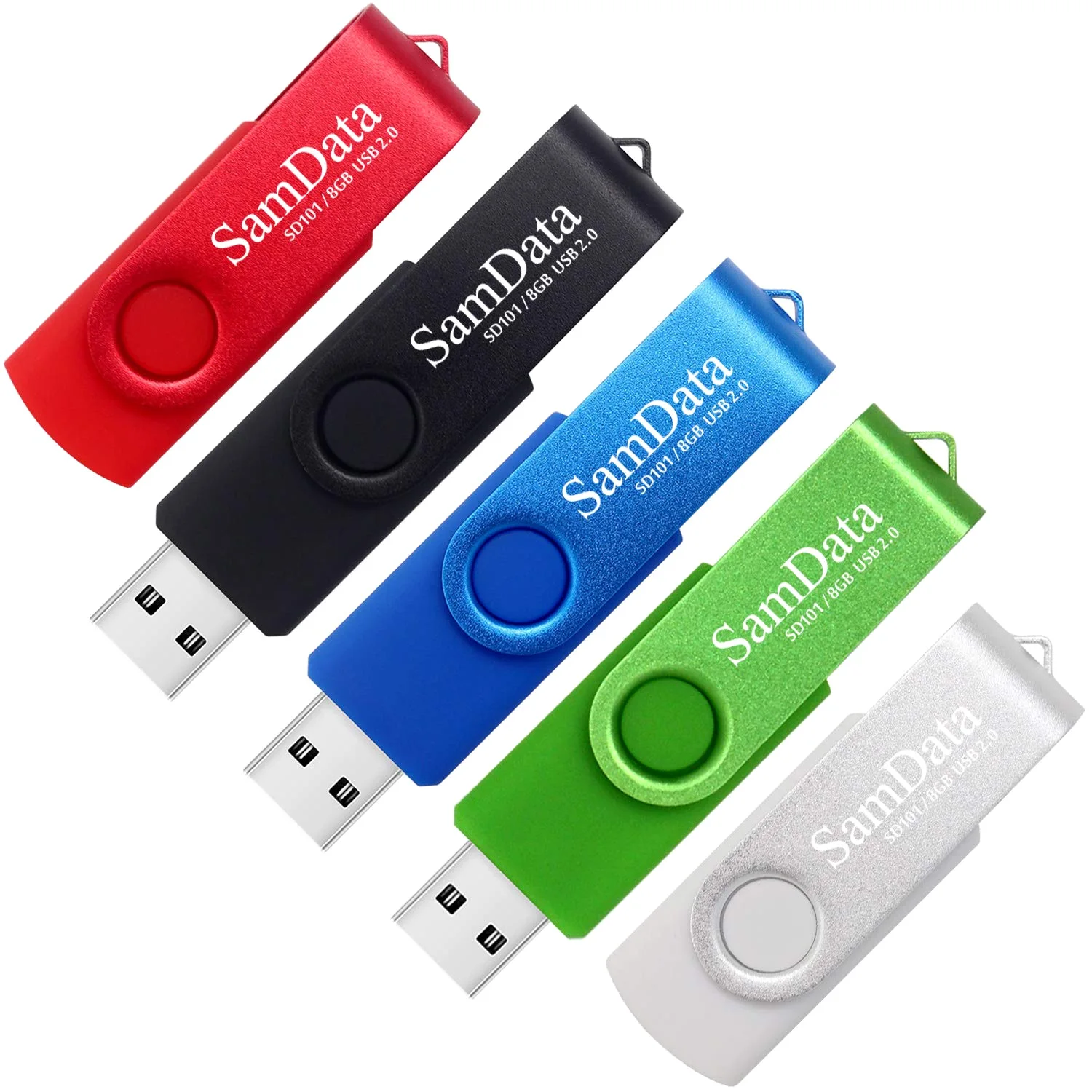
SamData
USB-A · USB 2.0 · slide-out plug · also in packs
Speed not printedInland
USB-A · USB 3.0 · key loop · also in packs
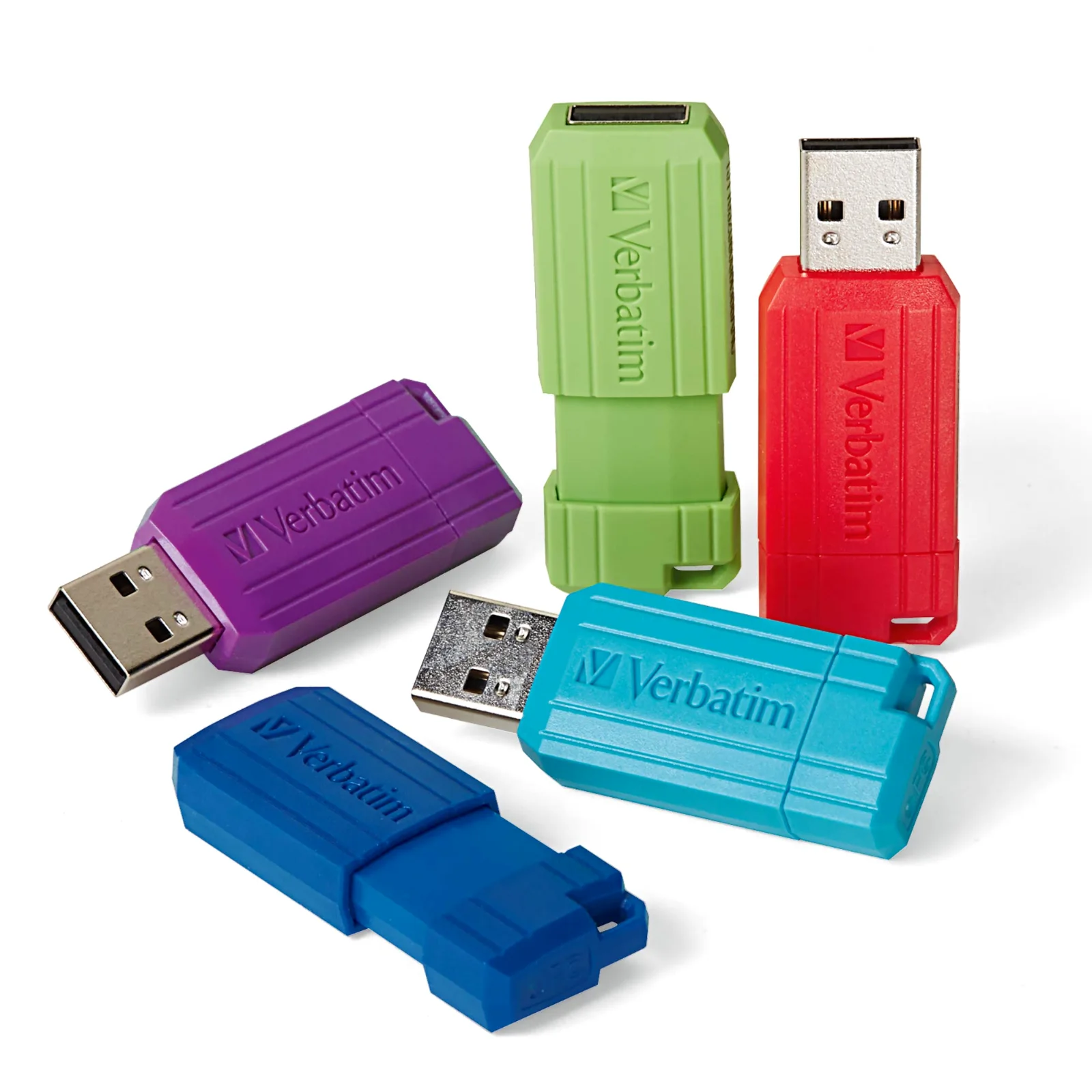
Verbatim
USB-A · USB 2.0 · slide-out plug · also in packs
Speed not printedTwo to a hundred drives for classrooms, offices and handouts.All 39 packs
Shop by capacity
A semester of documents fits on 32GB. A year of phone photos wants 128GB, and video starts at 256GB. EasyFlash drives run from bulk 128MB sticks to 2TB solid-state drives.
Each capacity page sorts the EasyFlash range by plug and read speed, with what that size holds in photos and video.
Drive finder
Answer what you can and leave the rest blank. The button opens the catalog with your answers already filtered.
What will you plug it into?
How much do you keep on it?
How fast should it copy?
Most rated
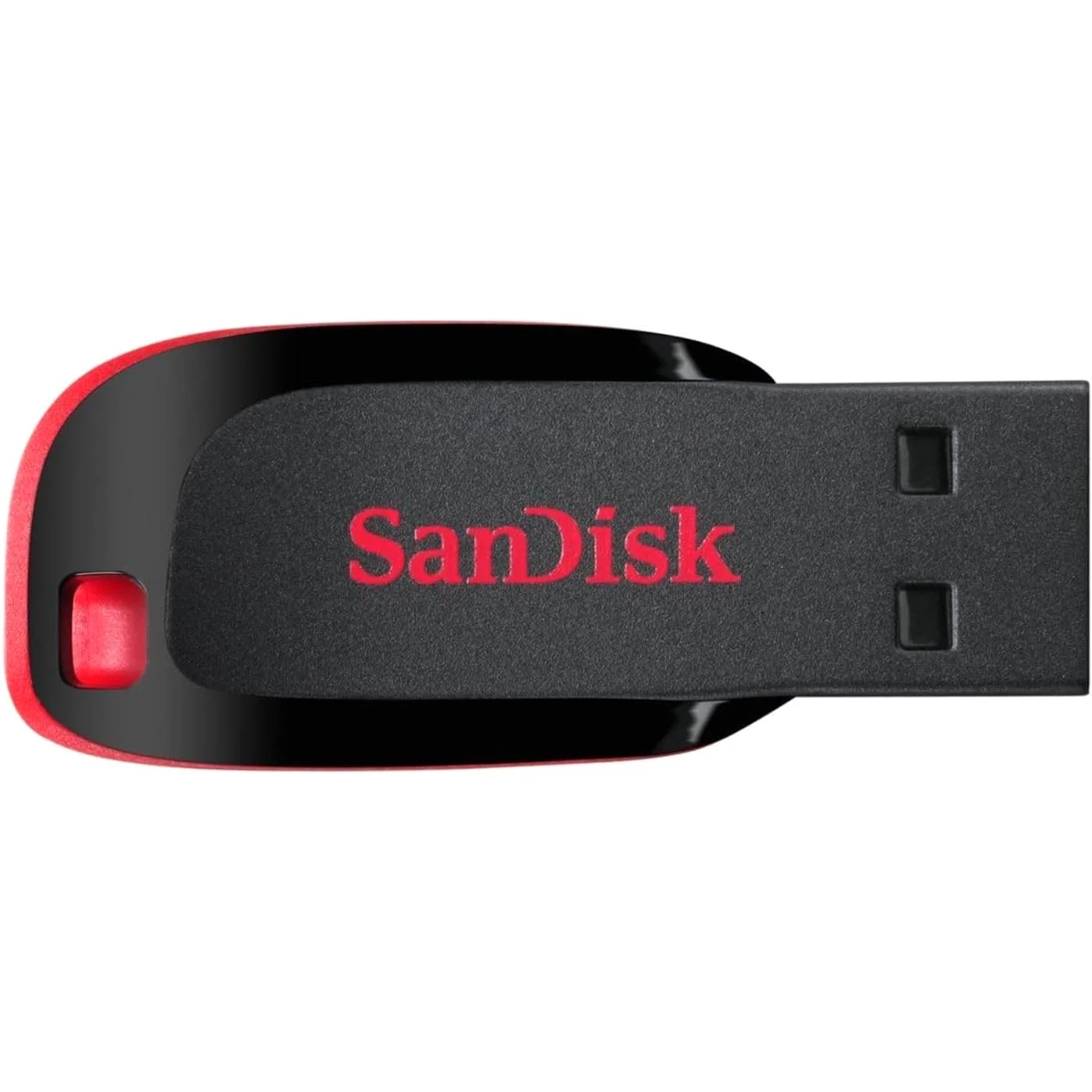
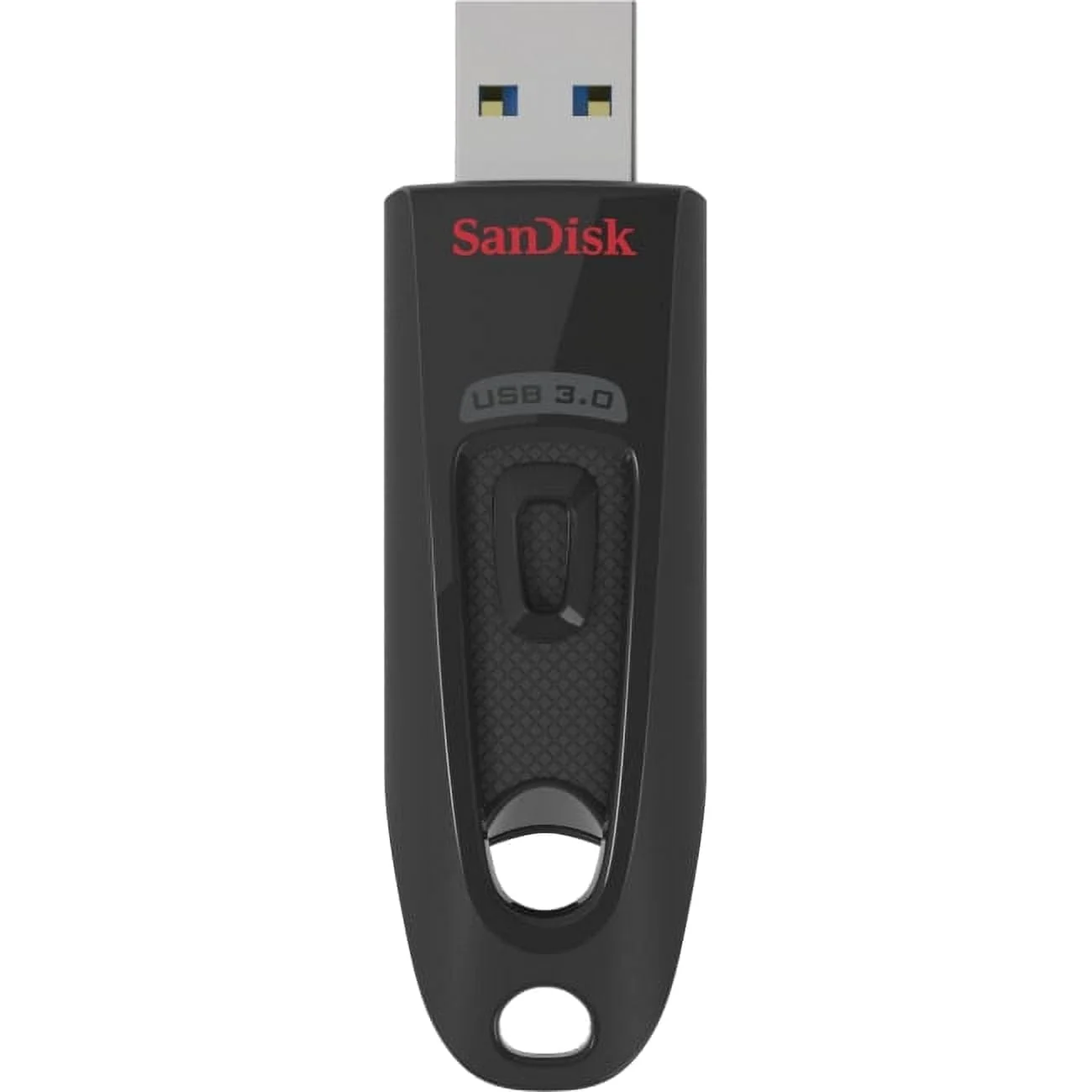
SanDisk Cruzer Blade, SanDisk Ultra USB 3.0 and SanDisk Ultra Fit have the most ratings at EasyFlash. Start with them if you want the drives most buyers already know.
SanDisk
USB-A · USB 2.0 · also in packs
Speed not printedSanDisk
USB-A · USB 3.2 Gen 1 · also in packs
SanDisk
USB-A + USB-C · USB 3.2 Gen 1 · slide-out plug · also in packs
PNY
USB-A · USB 3.0 · slide-out plug · also in packs
SanDisk
USB-A · USB 3.0 · slide-out plug · also in packs
Speed not printedThese 8 have the most ratings in the EasyFlash lineup, counted across every capacity of each drive.
How much fits
Pick a capacity and see it in photos, minutes of video and songs after formatting, the same counts EasyFlash prints on every drive page.
A phone photo at 4 MB, a minute of 4K phone video at 350 MB, a song at 8 MB, a document at 1 MB. About 7% of the capacity goes to how computers count gigabytes and to the file system.
Brands
EasyFlash carries 42 makers, from the big names to the labels that sell bulk packs for offices and schools.
Every maker in the EasyFlash selection has a page of its own, its drives side by side with their speeds and prices.
Popular searches
128GB is where most people land: about 30,000 phone photos or five and a half hours of 4K phone video after formatting. You can narrow the 128GB drives by plug and read speed.
256GB holds a whole phone camera roll for most people, with video. At this size read speed decides how long a backup takes: 200 GB comes off in about 33 minutes at 100 MB/s and in about 8 at 400 MB/s.
1TB and 2TB flash drives hold a whole laptop backup on a key ring. Speed varies more here than at any other size: a 500 GB backup takes about 80 minutes at 100 MB/s and about 8 at 1,000 MB/s.
SanDisk sticks fill more of our shelves than any other maker: Cruzer and Ultra for USB-A, Ultra Dual Drive for USB-C, iXpand for iPhone and Extreme PRO at 1,000 MB/s.
A car stereo wants a USB-A drive formatted FAT32, often 32GB or 64GB at most. These are the drives that fit, low-profile ones first.
Current MacBooks take drives only through USB-C. These drives carry a USB-C plug, many with USB-A on the other end for an older computer.
Before you buy
Check the side of your laptop or the bottom of your phone. A rectangle is USB-A, a small rounded oval is USB-C, a narrow flat slot on an older iPhone is Lightning. A dual drive carries two plugs and covers both computers.
A phone photo is about 4 MB, a minute of 4K video about 350 MB. 128GB holds roughly 30,000 photos, while an hour of 4K video alone takes about 21 GB. See the full table.
Makers print "up to" read speeds in MB/s. 100 MB/s copies a 10 GB folder in under two minutes. A USB 2.0 stick at 30 MB/s takes more than five. Writing to the drive is always slower than reading from it.
A USB 3.2 drive works in a USB 2.0 port, but at USB 2.0 speed. If your computer is ten years old, the fast drive will not feel fast on it.
Drives formatted FAT32 cannot hold one file larger than 4 GB, which stops long videos and disc images. exFAT has no such limit and works on Windows and Mac.
Flash drives get lost, washed in jeans and wiped by accident. Keep anything you cannot replace in a second place, and use an encrypted drive for files that would hurt if a stranger found them.
Guides
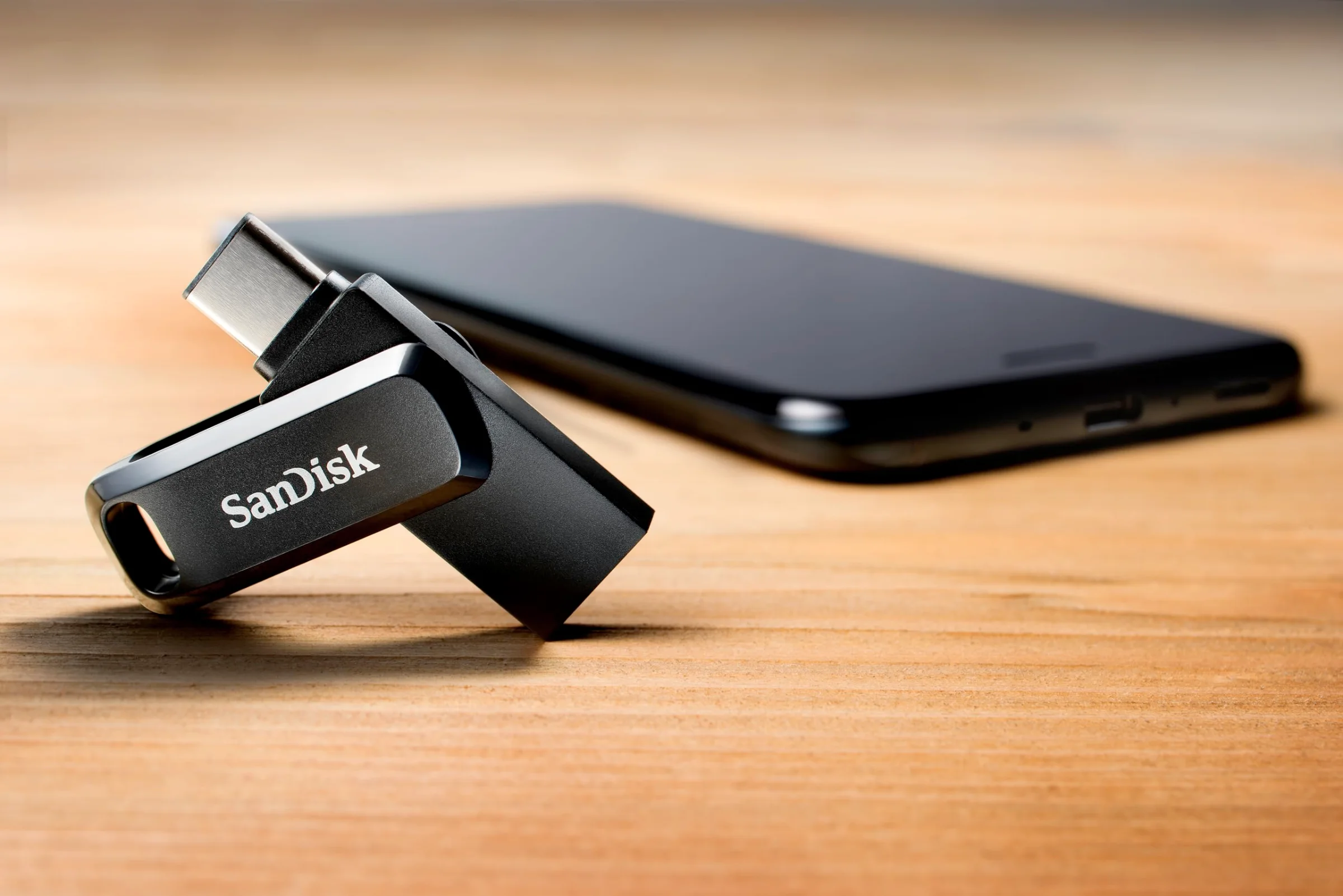 Buying guide
Start with the port on your device, then size the drive to your files and pick the speed you will feel. A plain walk-through with the drives on our shelves.
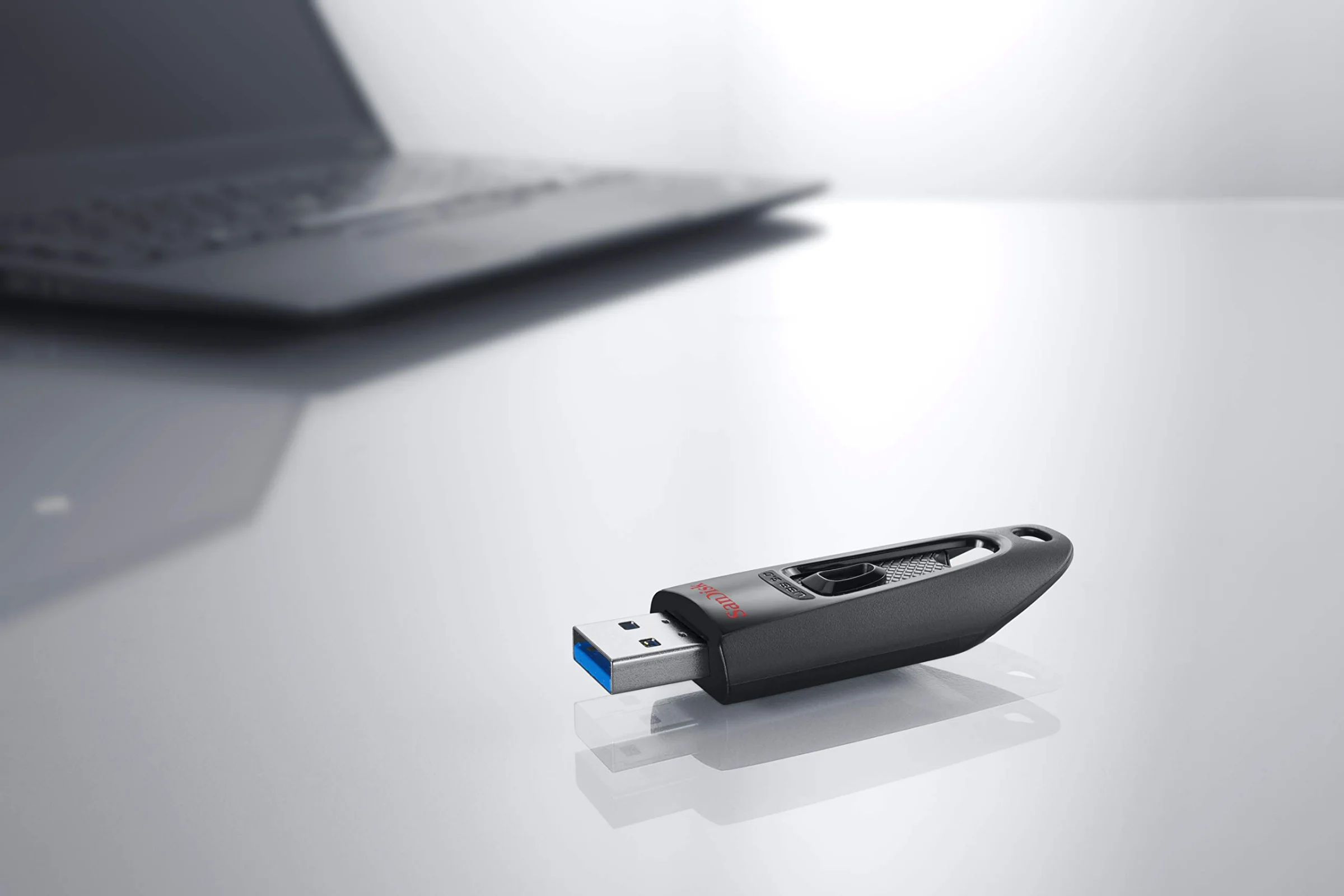 Speed
What "up to 400 MB/s" means, why writing is slower than reading, and which port a fast drive needs before it shows its speed.
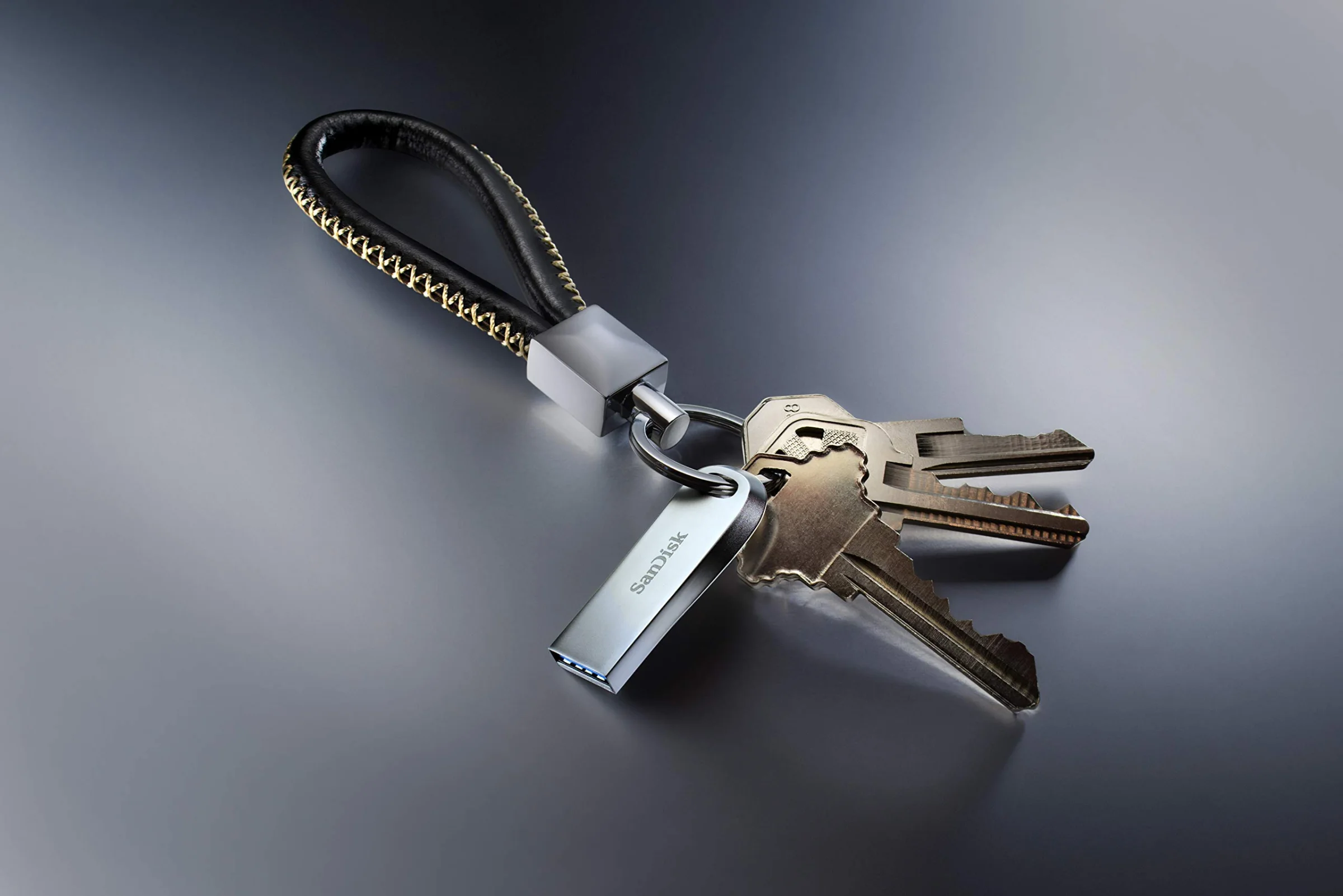 Formatting
Why a 5 GB video will not copy to a new drive, which format a car stereo, a Mac and a PC each read, and how to reformat without losing files.
The guides explain the plugs, speeds and formats printed across the EasyFlash collection.
About the shop
A flash drive is the one gadget you buy without trying it first, and the plug decides whether it works at all. So every drive on EasyFlash starts with its connector: USB-A for older laptops and car stereos, USB-C for new laptops and phones, Lightning for older iPhones.
EasyFlash has been sorting flash drives by plug since 2018, 8 years now. Our cards print the capacity, the USB generation and the read speed the maker publishes, so two drives at the same price can be compared at a glance. The story of the shop has the rest.
Questions
Look at the port first. A wide rectangle is USB-A, a small oval is USB-C. If you are not sure, or you use both kinds of computer, a dual drive with both plugs covers you. The USB-C and dual shelf holds those.
Count what you will copy. Documents for a school year fit on 32GB, a year of phone photos on 128GB, and video starts at 256GB. The capacity table turns every size into photos, video minutes and songs.
The drives on the phone shelf do: Lightning ones for an iPhone 14 or older, USB-C ones for an iPhone 15 or later. On the iPhone, the drive shows up by name in the Files app.
Makers count a gigabyte as a billion bytes and computers count it as 1,073,741,824 bytes, so every drive reads about 7% smaller on screen. Nothing is missing.
Every drive has a buy button that opens our retail partner on the exact capacity and pack you picked. Checkout, delivery and returns happen there.
They come from our latest catalog update. The page on how we update prices gives the date and the schedule. The price at checkout is the one you pay.
Not this one?
The drives people buy most and rate highest, each with its plug, its speed and its capacities.